English
- English
-
 שפה עברית
 -
 繁体中文
繁体中文 -
 Latviešu
 -
 беларускі
 -
 Hrvatski
 -
 lugha ya Kiswahili
 -
 አማርኛ
አማርኛ -
 ქართული
 -
 Hausa
Hausa -
 Zulu
Zulu -
 Հայերեն
 -
 Igbo
Igbo -
 Yoruba
 -
 Español
 -
 Português
 -
 русский
 -
 Français
 -
 日本語
日本語 -
 Deutsch
 -
 tiếng Việt
 -
 Italiano
 -
 Nederlands
 -
 ภาษาไทย
 -
 Polski
 -
 Svenska
 -
 magyar
 -
 Malay
Malay -
 Dansk
Dansk -
 Suomi
Suomi -
 हिन्दी
 -
 Pilipino
 -
 Türkçe
 -
 العربية
 -
 Indonesia
 -
 Norsk
Norsk -
 český
český -
 ελληνικά
 -
 український
 -
 فارسی
فارسی -
 български
 -
 Қазақша
 -
 Azərbaycan
 -
 Slovenský jazyk
 -
 Lietuvos
 -
 Eesti Keel
 -
 Română
 -
 Slovenski
 -
 Srpski језик
 -
 한국어
한국어


Home
>
Products > Nail Drill
> Rechargeable Nail Drill
>
LCD Variable Speed Nail Drill Precise RPM Display


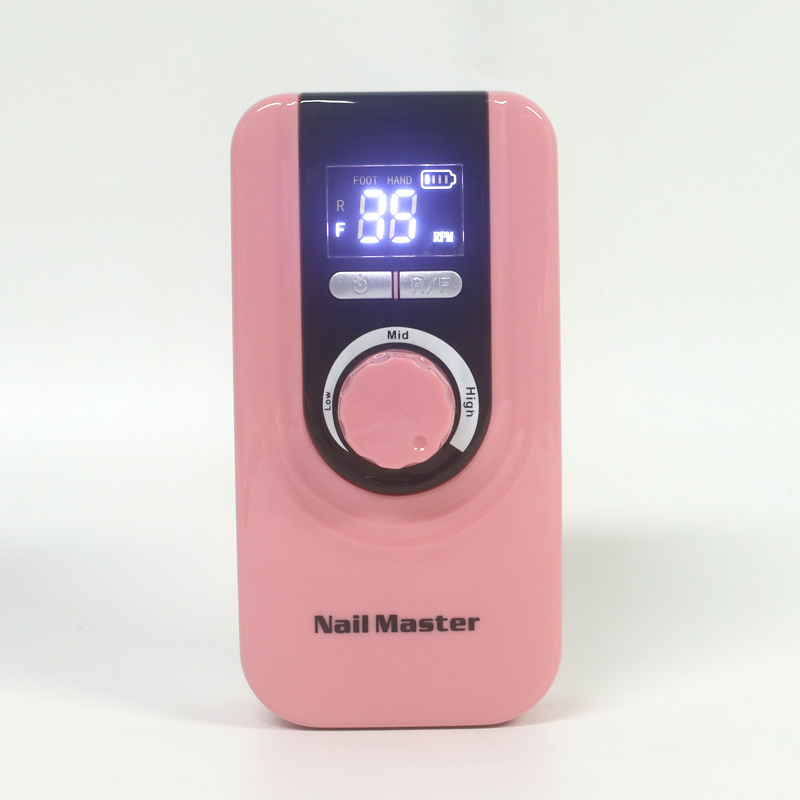
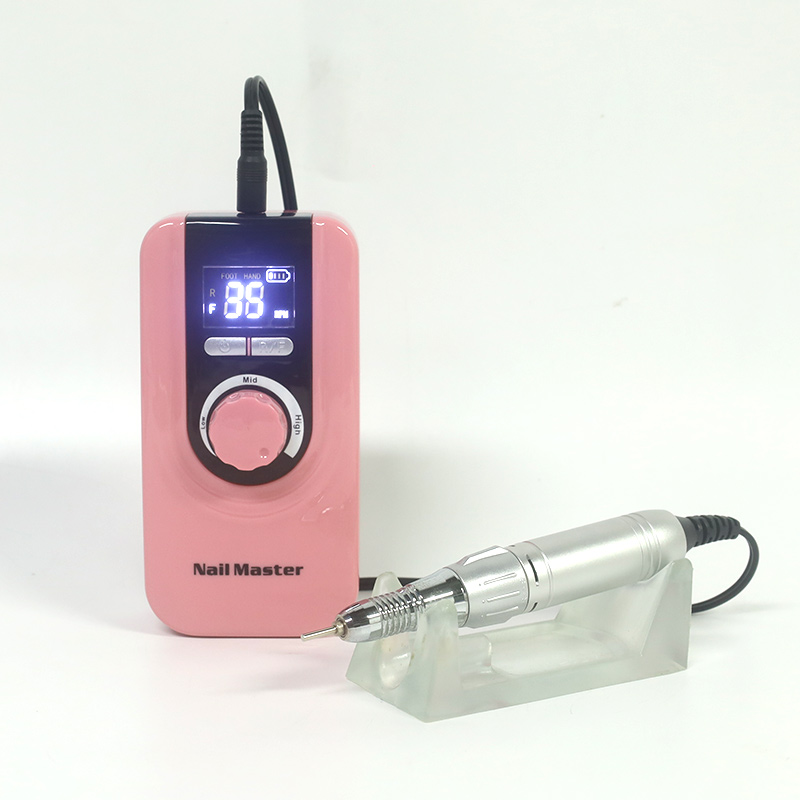
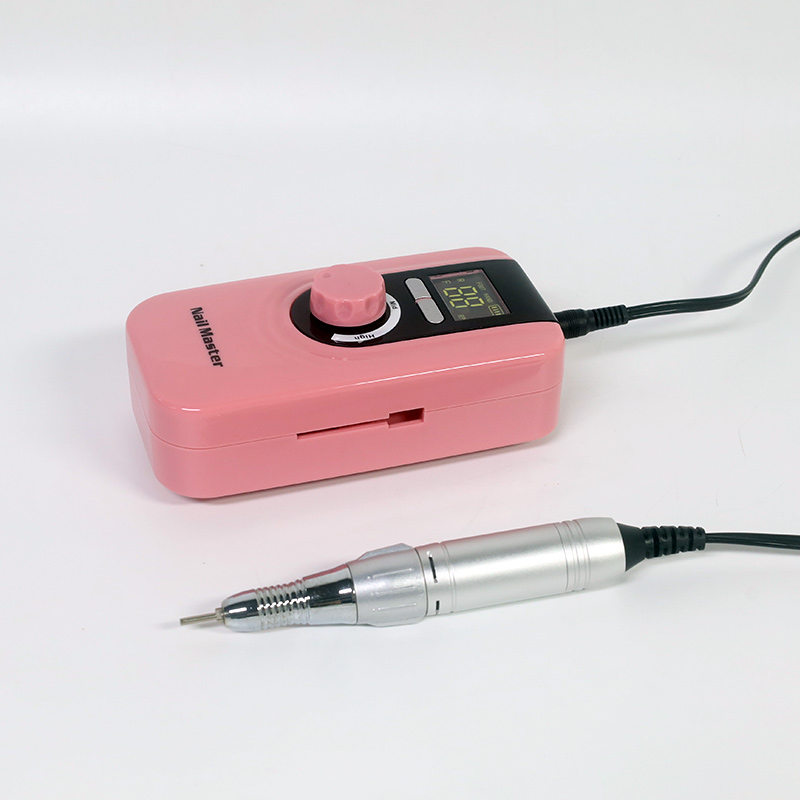
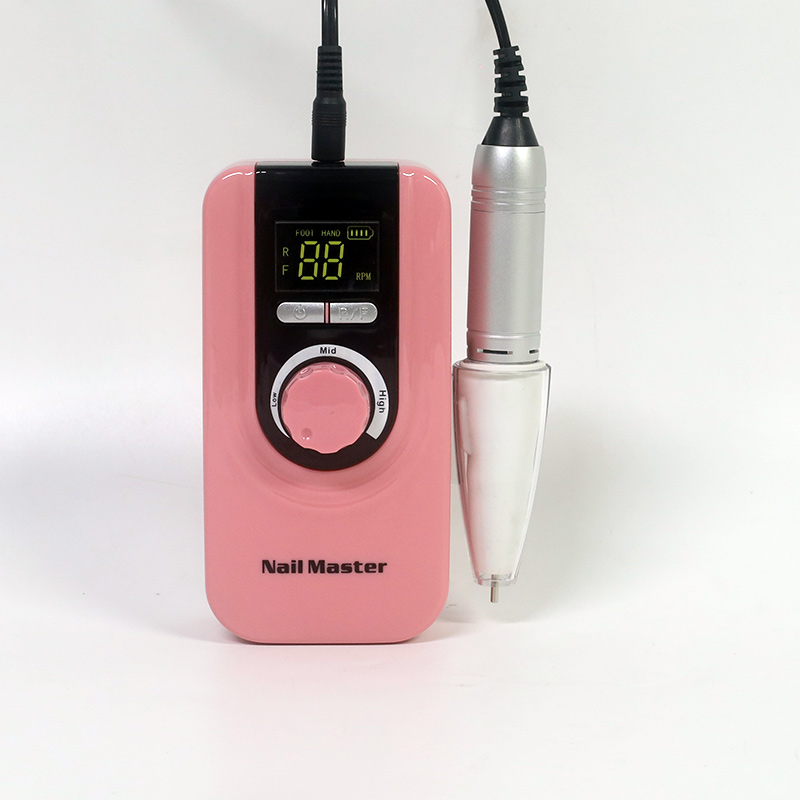
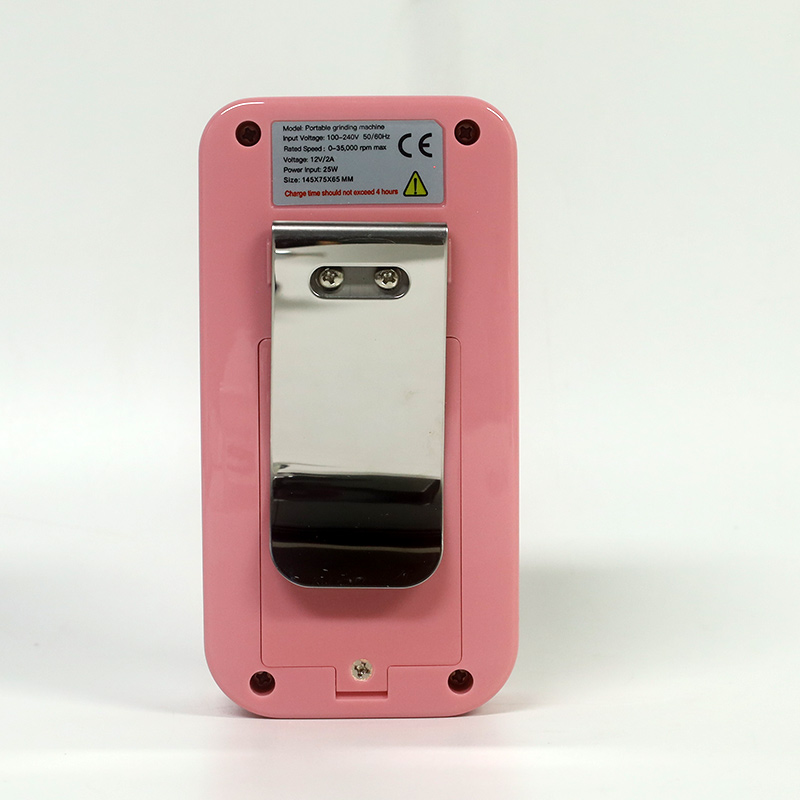
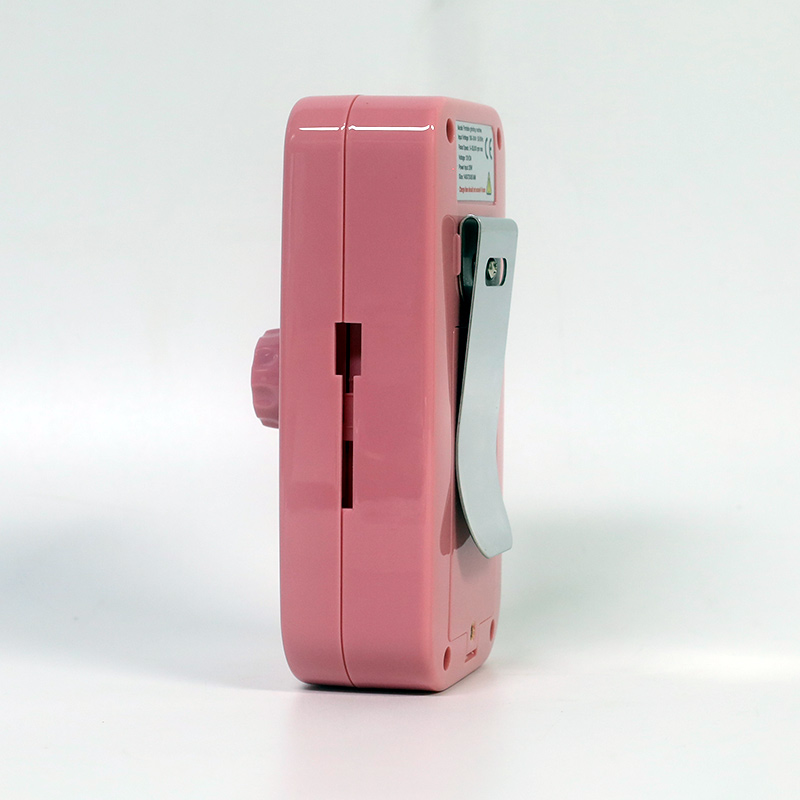
LCD Variable Speed Nail Drill Precise RPM Display
The LCD Variable Speed Nail Drill Precise RPM Display transforms the traditional electric file into a data-driven, transparent tool. Featuring a high refresh-rate LCD screen, it provides real-time RPM feedback, dynamic torque bar graphs, and precise battery percentages, eliminating the guesswork of traditional speed "levels." With micro-stepped control (≤ 100 RPM increments) and a memory function to recall your exact settings, this drill ensures reproducible, flawless results for meticulous professionals and wholesale distributors seeking advanced control.
Send Inquiry
Product Description
LCD Variable Speed Nail Drill Precise RPM Display
Take the guesswork out of nail shaping. With a bright, real-time digital readout, micro-stepped precision, and smart diagnostic features, this drill transforms your electric file into a data-driven device for flawless, repeatable results.
Real-Time Data
See exact RPM and actual speed under load, rather than relying on vague "speed levels."
Micro-Stepped Control
Adjust speed in increments of ≤ 100 RPM for absolute control over sensitive natural nails.
Smart Memory
Auto-recall your last used speed and direction, saving time between diverse client services.
Technical Specifications & Display Metrics
The LCD Variable Speed Nail Drill Precise RPM Display is defined by its screen quality, response time, and the depth of information presented. The table below compares basic LED indicator units versus advanced LCD-equipped systems.
| Parameter | Basic LED Indicator Model | Advanced LCD Variable Speed Display | Technical Insight |
|---|---|---|---|
| Display Type | Single/Color LED Lights | Segmented / TFT LCD Screen | LCD provides alphanumeric readouts, not just preset speed indicators. |
| Speed Readout | None / Preset Level Number | Real-Time RPM (0 – 35,000 RPM) | Real-time RPM allows precise matching of speed to bit and task. |
| Speed Control | Mechanical Dial / Push-Button | Variable Dial with Micro-Stepped Control | Infinite adjustability enables exact speed selection across the full range. |
| Control Resolution | N/A (fixed steps) | ≤ 100 RPM per adjustment step | Fine resolution allows micro-adjustments for sensitive clients. |
| Displayed Parameters | Speed Level (1-3/5) | RPM, Torque Level, Battery %, Direction, Operating Time | Comprehensive data enables informed adjustments during service. |
| Refresh Rate | N/A | ≥ 60 Hz (Real-Time Update) | High refresh rate ensures speed changes are reflected instantly. |
| Accuracy of Readout | N/A | ± 2% of Displayed RPM | High accuracy ensures reproducibility across services. |
| Error/Warning Display | Flashing Light | Text Messages (e.g., "OVERLOAD", "HIGH TEMP") | Diagnostic messages aid troubleshooting and prevent damage. |
Product Functions & Interface Details
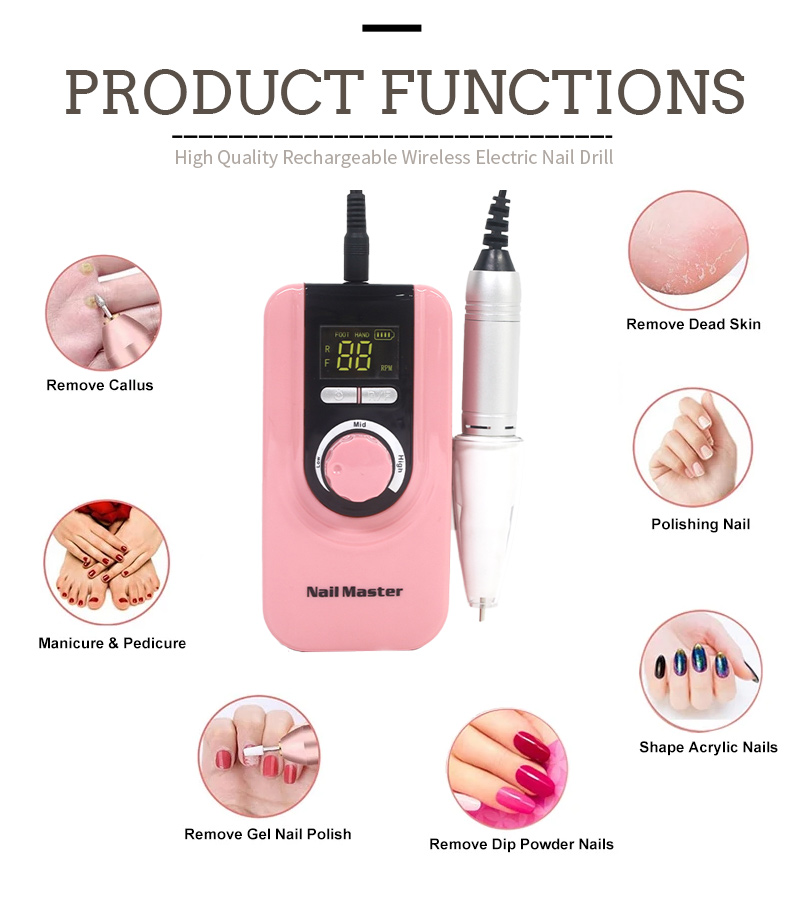
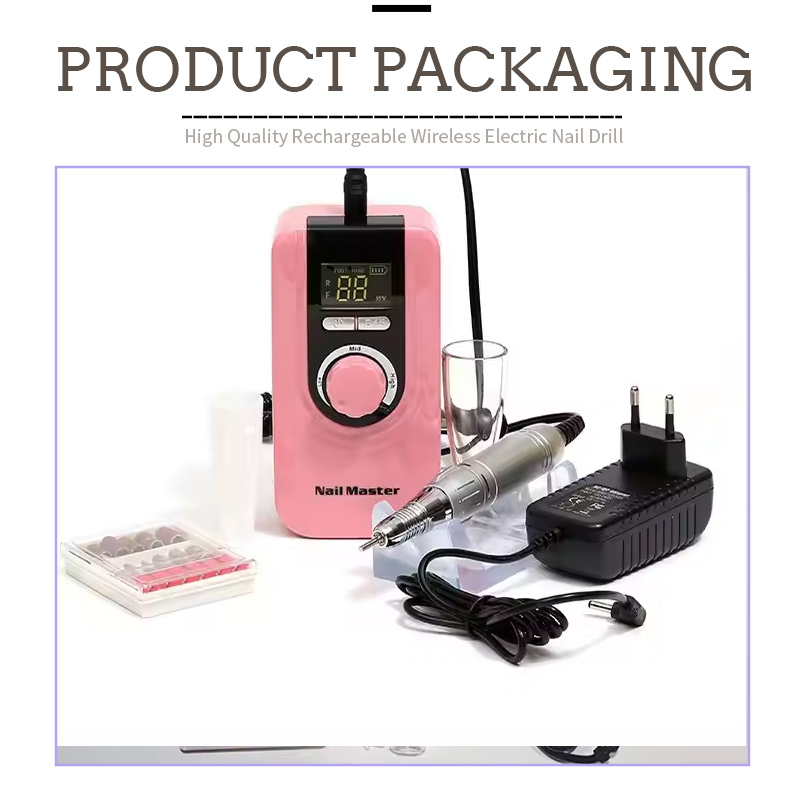
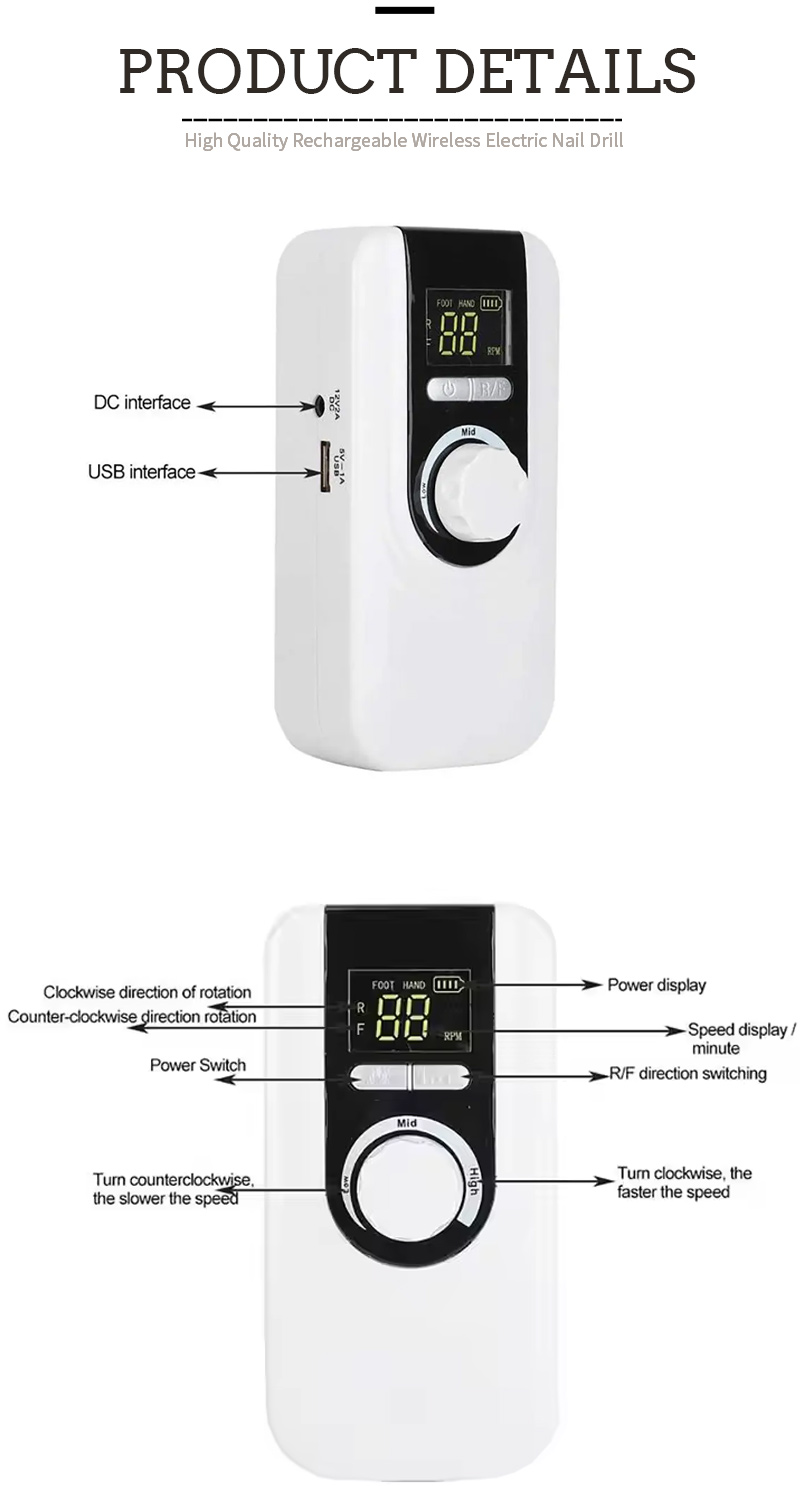
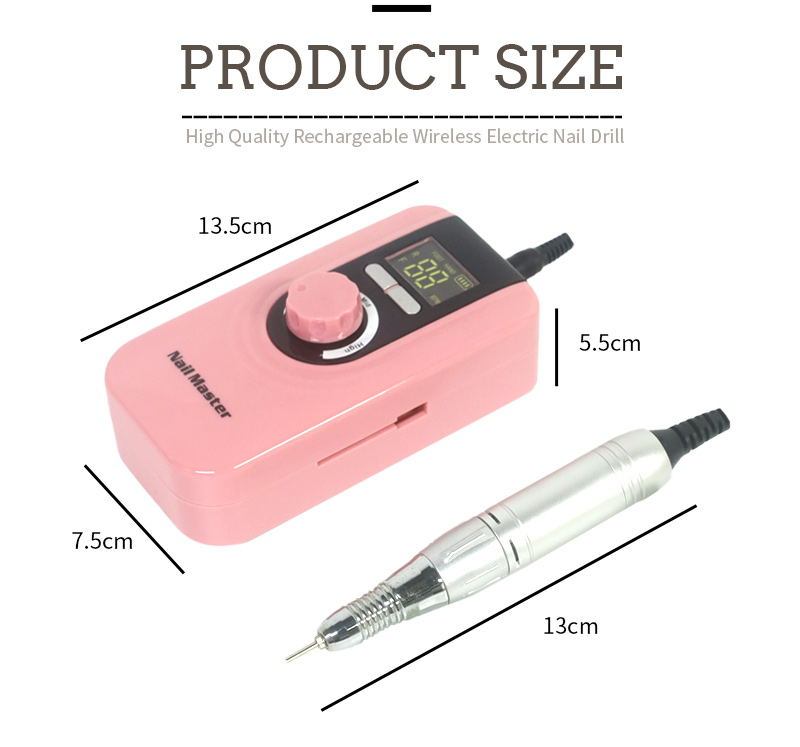
Beyond mere specifications, the visual interface of this digital nail drill is designed for immediate workflow optimization. Whether you are managing battery life or matching the perfect speed to a delicate bit, the real-time dashboard keeps you informed.
Practical Applications of Real-Time Monitoring
Different bits have specific optimal operating speeds. A fine diamond bit for cuticle work performs best between 5,000 and 8,000 RPM, while a carbide cutter for acrylic bulk reduction requires 20,000 to 30,000 RPM. Without a real-time display, the technician relies on vague "level" settings that vary between manufacturers.
The LCD eliminates this guesswork. Furthermore, if the set speed is 30,000 RPM but the readout shows 22,000 RPM under load, the technician knows to reduce pressure or switch to a more aggressive bit. This real-time feedback prevents stalling and reduces the risk of the bit grabbing or skipping. If you are looking to pair this unit with precision tools, explore our professional nail drill bits.
Frequently Asked Questions
How does the RPM readout on the LCD display differ from the speed level number on a non-display drill?
On a basic drill, speed settings represent relative percentages (e.g., Level 1, 2, 3) based on the motor's no-load speed. The LCD screen, by contrast, displays the actual real-time RPM under load using a Hall effect sensor or encoder. You can set the exact RPM you want and see the motor's performance under load. If the speed drops, you see it immediately and can adjust your technique or bit selection accordingly.
What does the torque bar graph on the LCD display indicate, and how should I use it during a service?
The torque bar graph is a visual representation of the motor's current load. Aim to keep the bar in the green to lower-yellow range. If the bar consistently enters the red zone, it indicates you are applying too much pressure, using the wrong bit, or operating at an insufficient RPM for the material density. The correct response is to reduce pressure or increase RPM to prevent stalling.
Can I save my preferred speed settings on this LCD Nail Drill for different services?
Yes, the memory function allows you to save multiple preferred settings (often labeled M1, M2, M3). To save a setting, dial in your preferred RPM, select the direction, and hold the "Save" button. You can then recall that exact configuration with a single button press at the start of each service, ensuring consistency across repeat customers.
Hot Tags: LCD variable speed nail drill, precise RPM display nail file, digital nail drill, salon electric file, wholesale nail drill, variable speed manicure machine, digital readout nail drill
Related Categories
Send Inquiry
Please feel free to fill your inquiry in the form below. We will reply you in 24 hours.
Related Products
 Rechargeable Cordless Nail Drill Set Professional 45w 40000rpm
 Rechargeable Cordless Nail Drill Machine Powerful 45w 40000rpm
 Rechargeable Nail Drill Set With Powerful Handpiece 45w 35000rpm
 Rechargeable Nail Drill Set Machine 45w 35000rpm
 Rechargeable Cordless Nail Drill Set Near Me USB 45w 35000rpm
 Rechargeable Nail Drill Set Nail Drill On Toes Fingers 35w 35000rpm



X
We use cookies to offer you a better browsing experience, analyze site traffic and personalize content. By using this site, you agree to our use of cookies.
Privacy Policy