English
- English
-
 שפה עברית
 -
 繁体中文
繁体中文 -
 Latviešu
 -
 беларускі
 -
 Hrvatski
 -
 lugha ya Kiswahili
 -
 አማርኛ
አማርኛ -
 ქართული
 -
 Hausa
Hausa -
 Zulu
Zulu -
 Հայերեն
 -
 Igbo
Igbo -
 Yoruba
 -
 Español
 -
 Português
 -
 русский
 -
 Français
 -
 日本語
日本語 -
 Deutsch
 -
 tiếng Việt
 -
 Italiano
 -
 Nederlands
 -
 ภาษาไทย
 -
 Polski
 -
 Svenska
 -
 magyar
 -
 Malay
Malay -
 Dansk
Dansk -
 Suomi
Suomi -
 हिन्दी
 -
 Pilipino
 -
 Türkçe
 -
 العربية
 -
 Indonesia
 -
 Norsk
Norsk -
 český
český -
 ελληνικά
 -
 український
 -
 فارسی
فارسی -
 български
 -
 Қазақша
 -
 Azərbaycan
 -
 Slovenský jazyk
 -
 Lietuvos
 -
 Eesti Keel
 -
 Română
 -
 Slovenski
 -
 Srpski језик
 -
 한국어
한국어


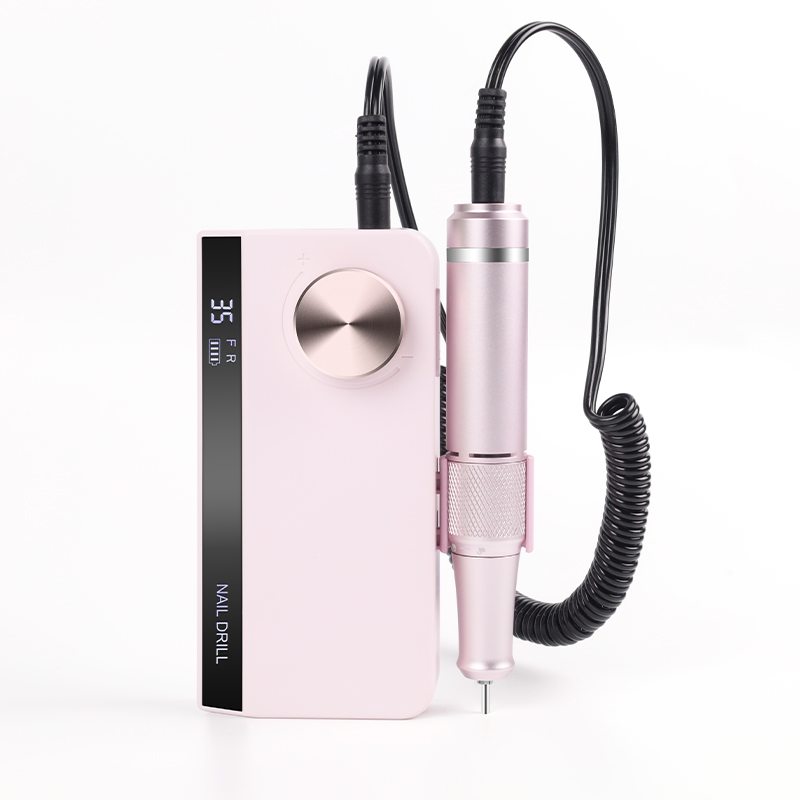
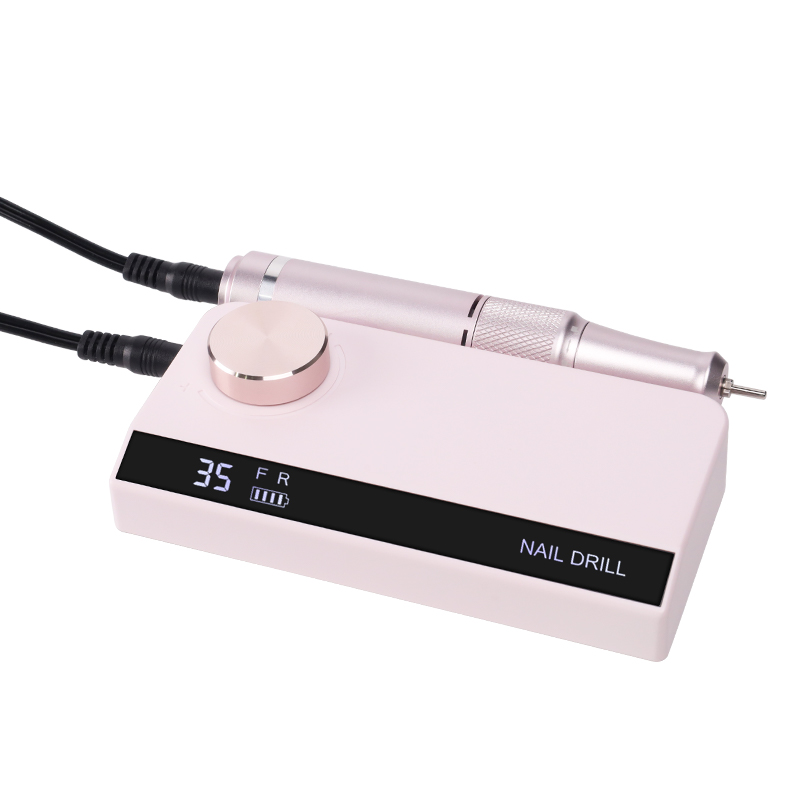
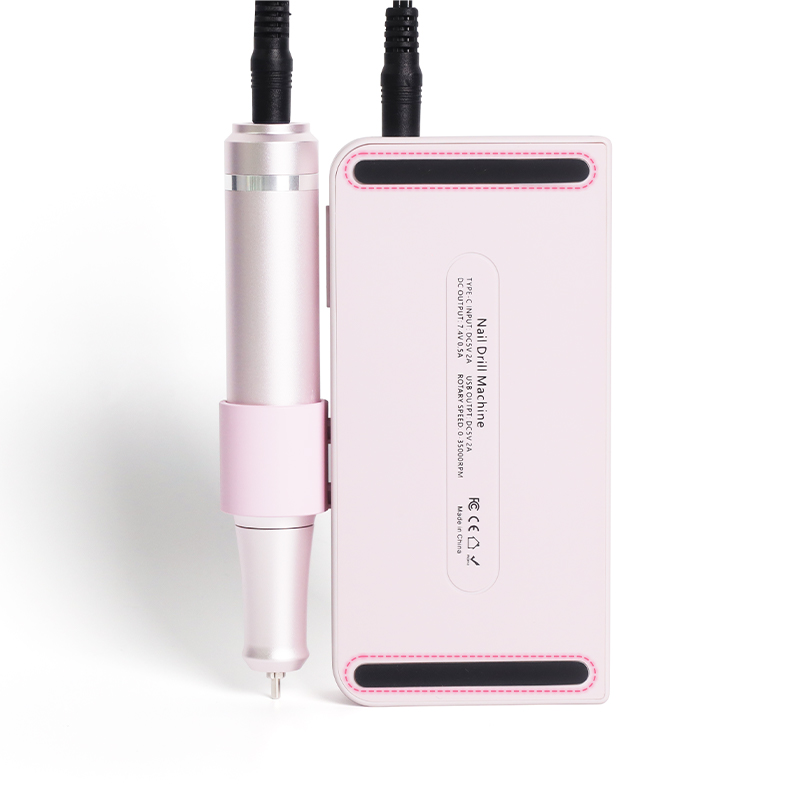
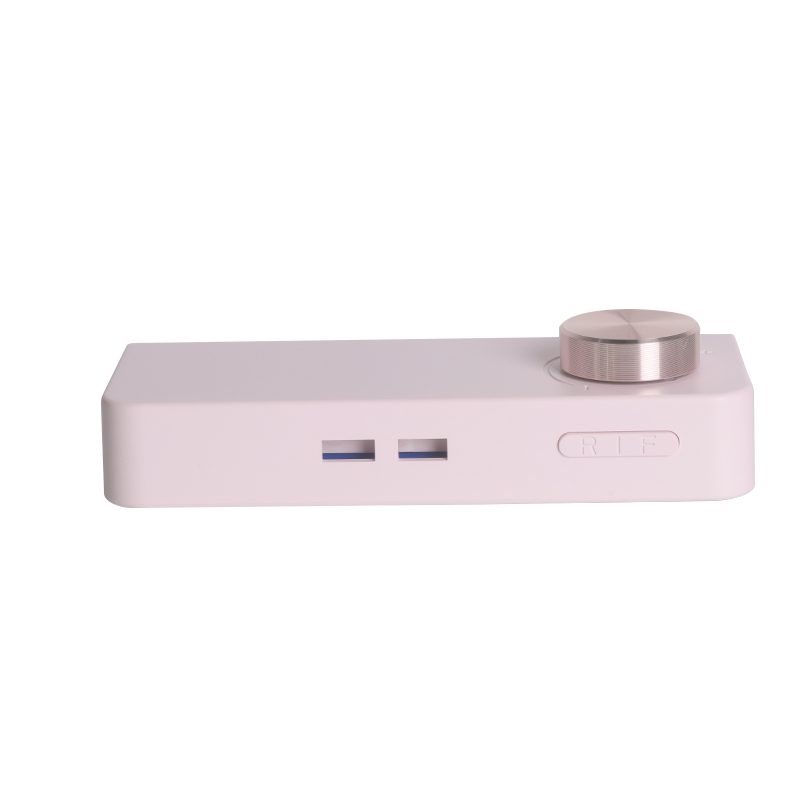
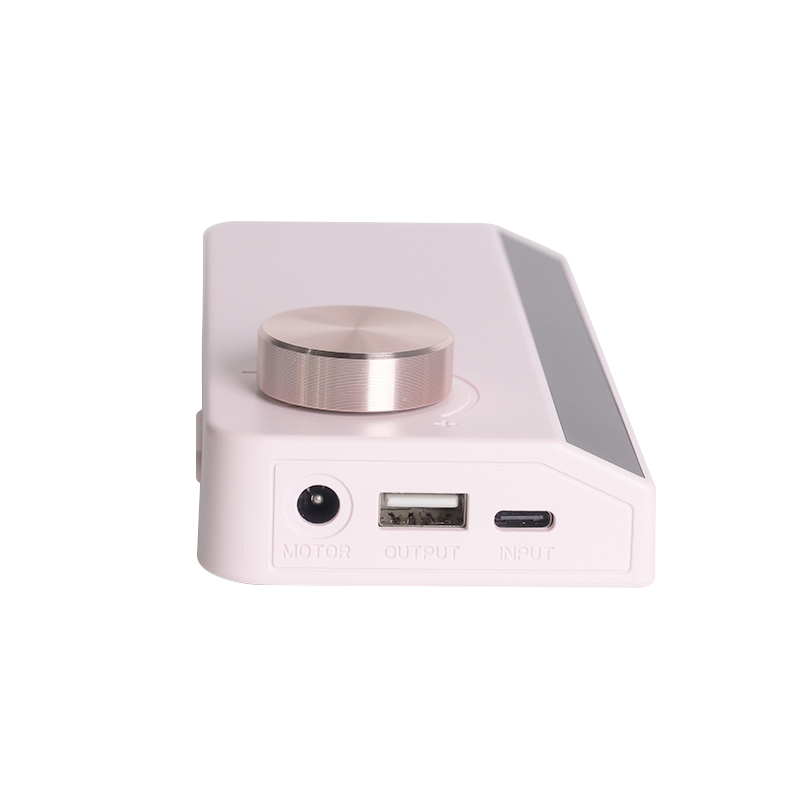
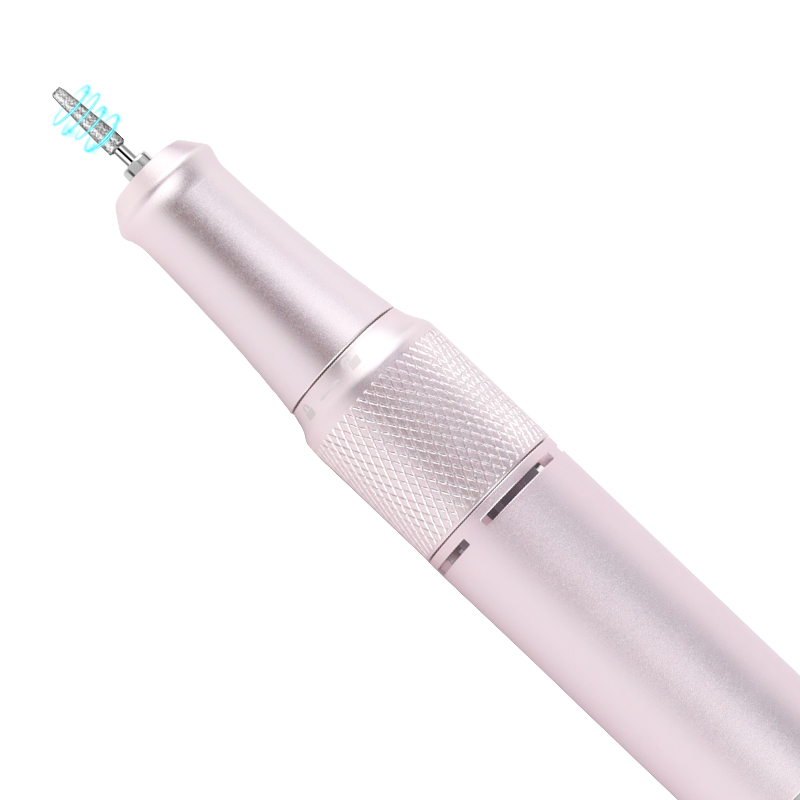
Variable Speed Nail File 0-35000RPM Adjustable Dial
RUINA Variable Speed Nail File 0-35000RPM Adjustable Dial offers total shaping control, from gentle buffing to rapid removal, with a powerful balanced motor for acrylics, gels, and natural nails. Lightweight, heat-dissipating, and secure bit locking—ideal for home users and pros.
Send Inquiry
Product Description
The Engineering Standard for the Variable Speed Nail File 0-35000RPM Adjustable Dial
Precision in nail care demands more than just power—it requires control. The Variable Speed Nail File 0-35000RPM Adjustable Dial represents the gold standard in speed management, offering technicians the ability to select any rotational speed across a continuous spectrum. This fine-grained adjustability is essential for matching the tool's output to the specific requirements of different bit types, material densities, and client sensitivities. Understanding the technical specifications, control mechanisms, and practical applications of a fully adjustable speed system is fundamental for professionals seeking versatility and safety in every service.
Core Technical Specifications and Control Metrics
The Variable Speed Nail File 0-35000RPM Adjustable Dial is defined by its speed range, control resolution, and torque consistency across the spectrum. The following table compares key parameters found in limited preset-speed units versus advanced fully adjustable systems.
| Parameter | Limited Preset-Speed Model | Fully Variable 0-35000RPM Adjustable Dial | Technical Insight |
| Speed Range | 3 – 8 Preset Levels (e.g., 5,000 / 12,000 / 20,000 RPM) | Continuous 0 – 35,000 RPM (Fully Variable) | Infinite adjustability allows precise matching to bit and task requirements . |
| Speed Control Type | Push-Button Cycle / Fixed Steps | Analog / Digital Rotary Dial with Micro-Steps | Dial control enables instant, incremental adjustments without cycling through levels . |
| Control Resolution | N/A (fixed steps) | ≤ 100 RPM per adjustment step | Fine resolution allows micro-adjustments for sensitive clients and delicate work . |
| Torque Consistency | Drops at higher preset levels | Maintains ≥ 85% torque across full range | Consistent torque ensures performance does not degrade at any selected speed . |
| Dial Type | N/A | Mechanical Potentiometer / Digital Encoder | Digital encoders offer drift-free precision and longer lifespan than analog pots . |
| Display Feedback | LED Level Indicator | LCD / LED RPM Readout (Real-Time) | Visual confirmation of selected speed enhances accuracy and reproducibility . |
| Speed Memory | None | Last-Used Speed Recall (Auto) | Saves time by retaining the previous setting between sessions . |
| Soft-Start Function | None | Progressive Acceleration to Set Speed | Prevents sudden jerking and bit skipping on initial engagement . |
| Minimum Speed | Typically 2,000 – 5,000 RPM | 0 RPM (Full Stop / Idle) | Zero-speed capability allows for precise positioning before engaging . |
| Maximum Speed | 20,000 – 30,000 RPM | 35,000 RPM (Professional Grade) | Higher ceiling provides sufficient power for acrylic bulk reduction . |
| Application Versatility | Limited to specific tasks | Full range: cuticle work, gel removal, acrylic shaping, buffing | One tool handles all stages of service with optimal speed for each . |
| Safety Features | Overheat Protection | Overheat Protection, Overload Detection, Speed Lock | Speed lock prevents accidental dial movement during a stroke . |
Detailed Control and Performance Analysis
The Technical Advantage of Fully Variable Speed
The fundamental limitation of preset-speed systems is their inability to adapt to the nuances of different tasks. A preset level labeled "3" on one unit might deliver 15,000 RPM, but if the optimal speed for a specific fine diamond bit is 7,500 RPM, the technician must choose between too slow (Level 2) or too fast (Level 3). This compromise compromises both efficiency and safety.
The Variable Speed Nail File 0-35000RPM Adjustable Dial eliminates this compromise entirely. The continuous range allows the technician to select the exact speed required for the bit, the material, and the client's nail condition. This is particularly critical when working with:
Fine diamond bits (cuticle work): 4,000 – 8,000 RPM
Ceramic bits (gel removal): 10,000 – 15,000 RPM
Sanding bands (natural nail buffing): 3,000 – 5,000 RPM
Carbide cutters (acrylic bulk): 20,000 – 30,000 RPM
Felt polishers (high-gloss finish): 1,000 – 3,000 RPM
Each of these tasks has a narrow optimal speed window. Going too fast generates heat and risks burning the client; going too slow reduces efficiency and can cause the bit to "chatter" or grab. The fully adjustable dial provides the precision to hit the sweet spot for every scenario.
Dial Technology: Mechanical Potentiometer vs. Digital Encoder
The quality of the dial itself determines the precision and longevity of speed control. There are two primary technologies used:
Mechanical Potentiometer: This is a variable resistor that changes resistance as the dial is turned. It is an analog system that provides smooth, continuous adjustment. However, potentiometers are prone to wear over time; the internal wiper can become noisy or develop dead spots, causing erratic speed behavior. They are also susceptible to drift due to temperature changes.
Digital Encoder (Optical or Magnetic): This is a non-contact sensor that detects the dial's position and sends a digital signal to the motor controller. Digital encoders offer superior precision, do not wear out mechanically, and are immune to drift. They also support features like speed memory and lock functions. Professional-grade Variable Speed Nail File 0-35000RPM Adjustable Dial units typically use digital encoders for their reliability and longevity.
Speed Resolution and Micro-Adjustment
Control resolution refers to the smallest incremental change in speed that the dial can command. A high-resolution system allows adjustments of 100 RPM or less, enabling the technician to fine-tune the speed to the client's comfort level. This is particularly important for clients with thin or sensitive nails, where even a 500 RPM difference can be the line between comfort and heat-related pain.
The dial's feedback is equally important. The best systems incorporate a tactile detent or a smooth, weighted rotation that allows the technician to make adjustments by feel without looking away from the client's hand. When combined with a real-time RPM readout, the technician gains both tactile and visual confirmation of the selected speed.
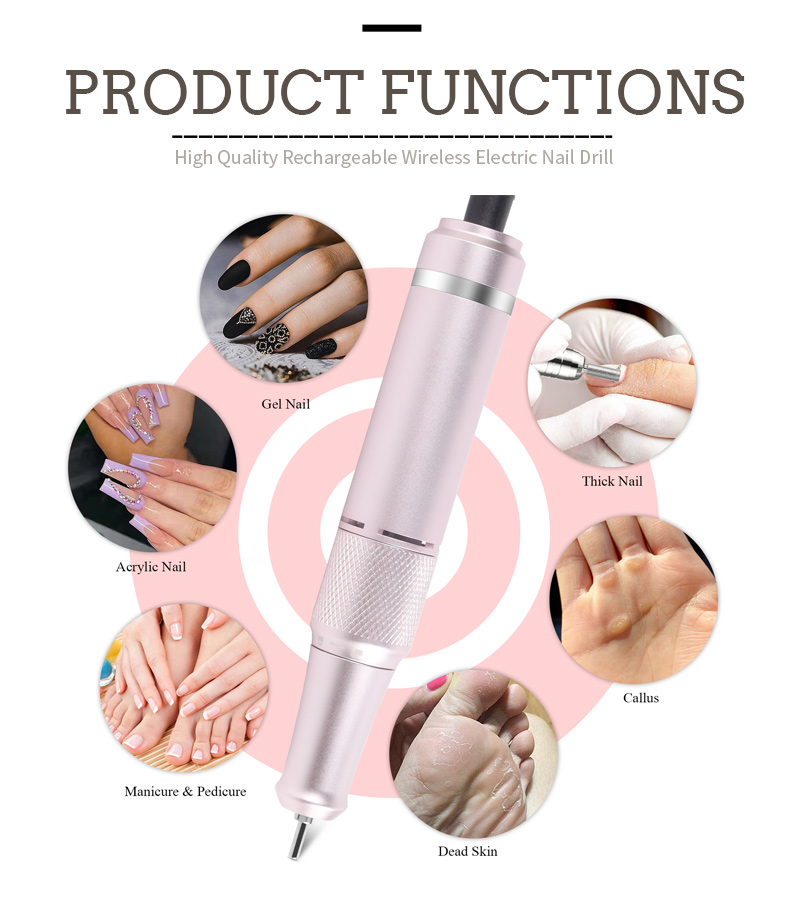
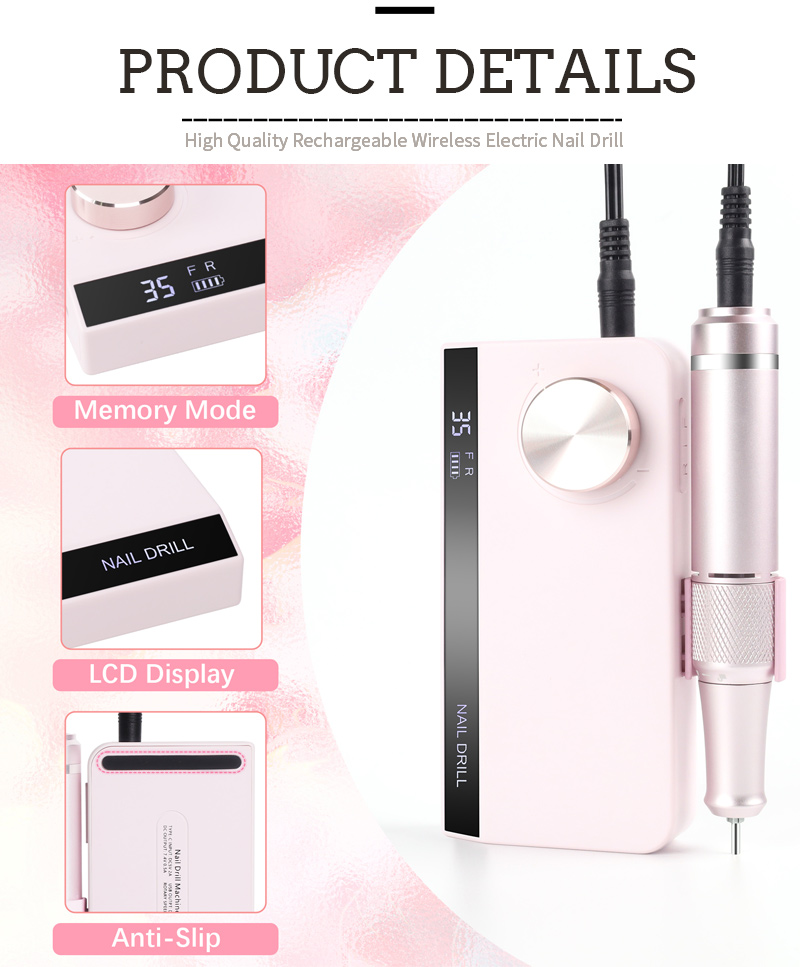
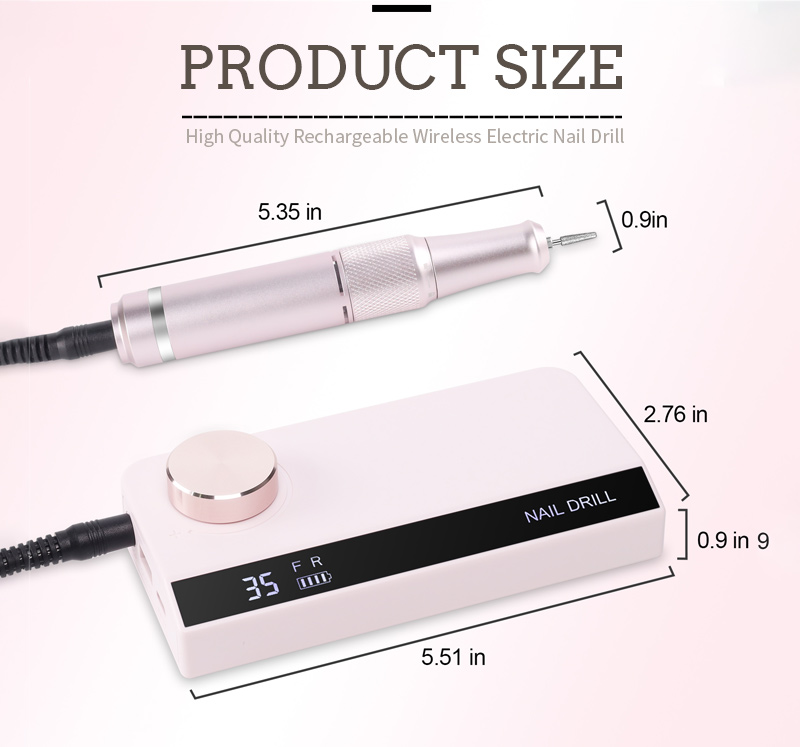
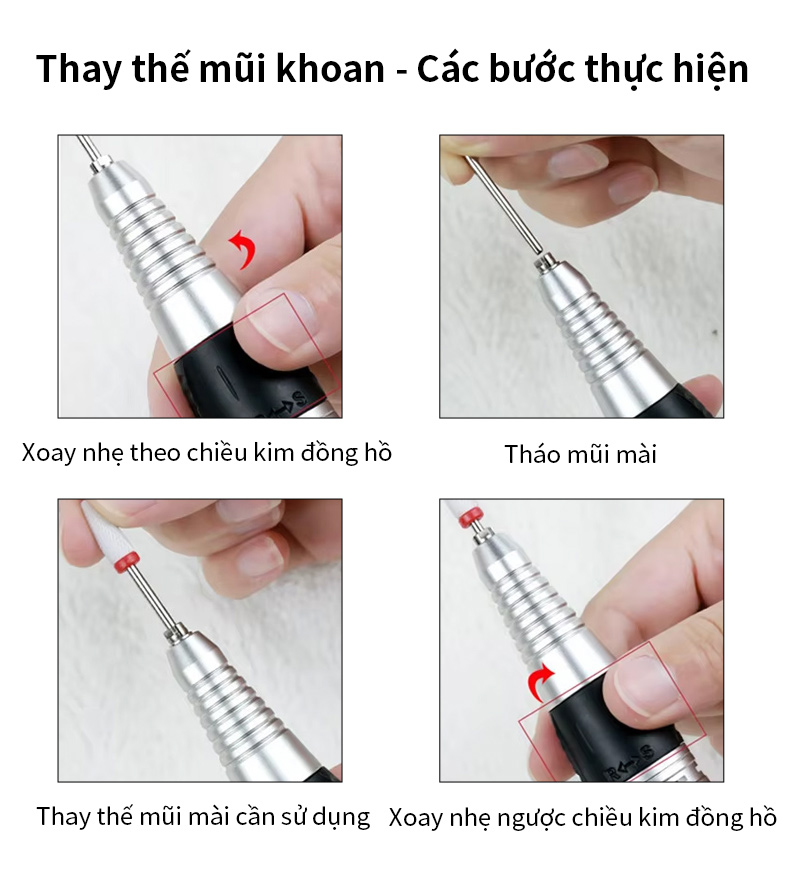
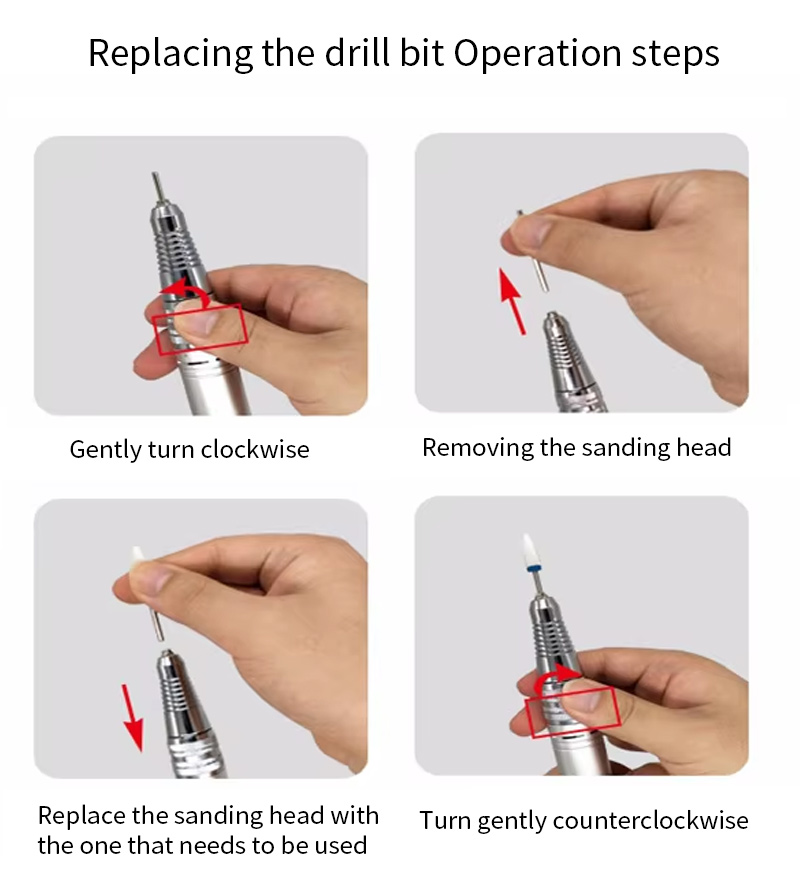
Variable Speed Nail File 0-35000RPM Adjustable Dial Details

Frequently Asked Questions (FAQ)
Q: Is there a practical difference between a variable dial and a digital push-button with 10 preset speeds?
A: Yes, there is a substantial practical difference in both precision and workflow. A push-button system with 10 presets offers only 10 specific speeds (e.g., 3,500, 7,000, 10,500 RPM, etc.). If the optimal speed for your bit and client falls between two presets, you must compromise . The Variable Speed Nail File 0-35000RPM Adjustable Dial allows you to select any speed across the entire range, meaning you can always dial in the exact RPM required . Additionally, the dial enables continuous adjustment during a stroke . If you are removing acrylic and the bit begins to create friction heat, you can slow the speed slightly in real-time without stopping, removing your hand from the drill, or cycling through presets . This dynamic adjustment capability improves both safety and service efficiency, allowing you to respond instantly to changes in material density or client feedback .
Q: What speed should I select for different types of nail bits and services?
A: Speed selection is the most critical safety decision in nail drilling. The following speeds apply specifically to a Variable Speed Nail File 0-35000RPM Adjustable Dial: For cuticle work using a fine diamond bit, use 4,000 – 8,000 RPM . For natural nail buffing with a fine-grit sanding band (240 grit), use 3,000 – 5,000 RPM . For gel polish removal with a ceramic or medium-grit sanding band (180–220 grit), use 10,000 – 15,000 RPM . For acrylic bulk reduction with a coarse carbide cutter, use 20,000 – 30,000 RPM . For the final high-gloss polish with a felt polisher and compound, use 1,000 – 3,000 RPM . Always start at the lower end of the recommended range and increase gradually, monitoring the client's thermal feedback . If the client reports heat, reduce speed immediately and ensure you are using light, continuous strokes .
Q: My Variable Speed dial seems to have a "dead zone" at the very low end. Is this normal?
A: Some Variable Speed Nail File 0-35000RPM Adjustable Dial units, particularly those using mechanical potentiometer-based controls, may exhibit a slight dead zone or non-linear response at the extreme low end of the dial . This is often due to the motor controller's minimum voltage threshold; below a certain point, there is insufficient power to overcome the motor's static friction and begin rotation . However, a high-quality unit with a digital encoder and a sophisticated motor controller should provide smooth, linear response from the moment the dial is turned . If your unit has a large dead zone (more than 5–10% of the dial's rotation), or if the speed jumps suddenly when you turn the dial, this indicates a potential issue with the potentiometer wear or the controller's calibration . For professional units, this is not considered normal, and you should consult the manufacturer for servicing . For most professional services, the critical range is 3,000 – 30,000 RPM; a slight non-linearity below 1,000 RPM is generally acceptable, but it should not affect your ability to work smoothly in the key operating range.
Best Practices for Speed Management
To fully leverage the capabilities of your Variable Speed Nail File 0-35000RPM Adjustable Dial, implement the following professional protocols:
Start Low, Increase Gradually: Always begin a new task at the lowest speed and increase incrementally until you achieve the desired cutting action. This prevents accidental gouging or heat generation.
Match Speed to Bit: Consult the bit manufacturer's speed recommendations and use the dial to set the exact RPM. Do not rely on "feel" alone.
Monitor Client Feedback: Ask clients if they feel any heat. If they do, reduce speed by 1,000–2,000 RPM immediately and lighten pressure.
Adjust Under Load: The dial allows you to change speed during a stroke. If the bit is chattering or skipping, slow down; if it is not cutting efficiently, speed up gradually.
Use the Lock Function: If your unit has a speed lock, engage it once you have set the optimal RPM. This prevents accidental dial movement during the service.
Clean the Dial Area: Dust and debris can accumulate around the dial, affecting its smooth operation. Wipe the area with a dry cloth after each use.
Memorize Key Speeds: Learn the exact RPM settings that work best for your most common services. This allows you to dial in quickly and consistently, improving your speed and reproducibility.
Hot Tags: Variable Speed Nail File 0-35000RPM Adjustable Dial, China, Manufacturers, Suppliers, Factory, Made in China, Customized, In Stock, Quality
Send Inquiry
Please feel free to fill your inquiry in the form below. We will reply you in 24 hours.
Related Products





X
We use cookies to offer you a better browsing experience, analyze site traffic and personalize content. By using this site, you agree to our use of cookies.
Privacy Policy